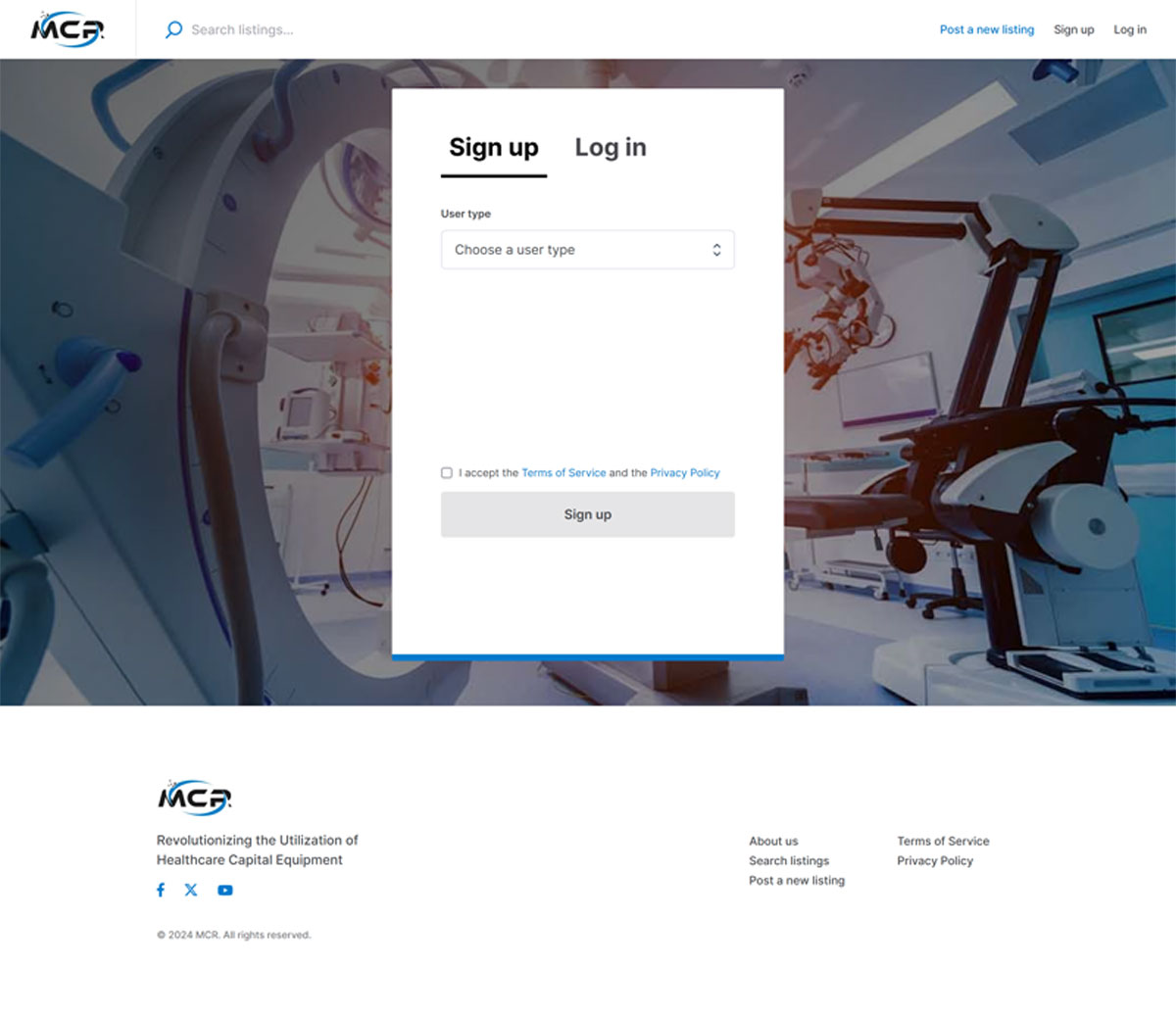
Register
Go To Your MCR Marketplace
Click on the link below to find and select your public MCR Marketplace. MCR Marketplaces Worldwide >
Click Sign-Up Link
Click on the Sign-Up link at the top right-hand corner of your MCR Marketplace page. A Pop-Up will appear once you click on the link.
Select User Type
From the drop-down menu at the top of the pop-up form, select your User Type: Healthcare Facility.
Complete The Form
After you select a User Type, the matching registration form will appear. Please complete all required fields and use a work email whose domain matches your facility’s domain (required for verification).
Display Name (required)
Use your first name + first initial of your last name (e.g., JohnD). If this display name is taken, append numbers until it’s unique (e.g., JohnD34). For privacy and security, full first + full last names are not allowed in display names.
Accept The Terms
Click Sign-Up Button
The final step is to click the Sign-Up button at the bottom of the form. This will submit your information for validation and approval by the MCR Market team.